Speech Recognition with Whisper: The Ultimate Guide to Open Source Transcription
Master automatic speech recognition with OpenAI's Whisper. Learn about faster-whisper, WhisperX, and the best tools for transcribing audio locally.

Written by Alexandre Le Corre
•3 min read
Whisper has revolutionized speech recognition, offering accuracy that rivals commercial services while being completely open source and free to use. This guide covers everything you need to know about using Whisper and its derivatives for transcription.
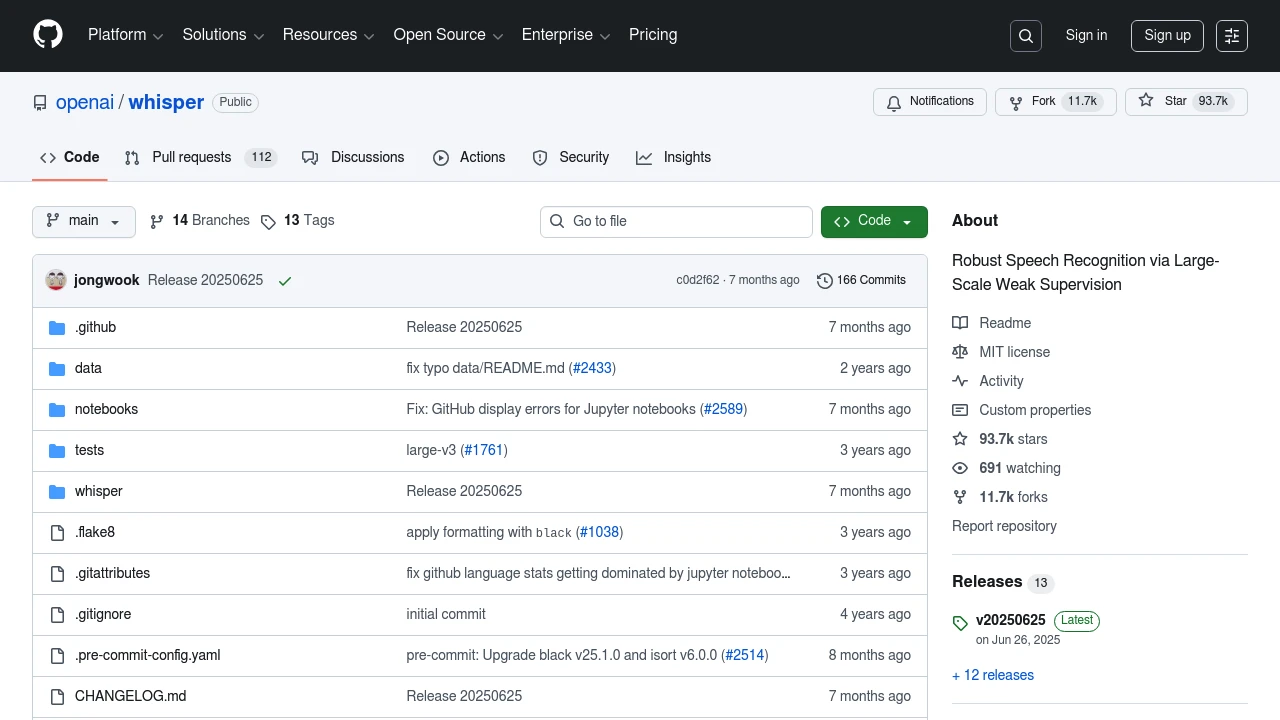
What is Whisper?
Released by OpenAI, Whisper is a general-purpose speech recognition model trained on 680,000 hours of multilingual data. It excels at:
- Transcription in 100+ languages
- Language identification
- Speech translation
- Handling accents and background noise

Model Sizes
Whisper comes in multiple sizes:
| Model | Parameters | VRAM | Speed | Accuracy |
|---|---|---|---|---|
| tiny | 39M | ~1GB | Fastest | Lower |
| base | 74M | ~1GB | Fast | Good |
| small | 244M | ~2GB | Medium | Better |
| medium | 769M | ~5GB | Slower | Great |
| large-v3 | 1.5B | ~10GB | Slowest | Best |
For most use cases, the small or medium models offer the best balance.
Faster Alternatives
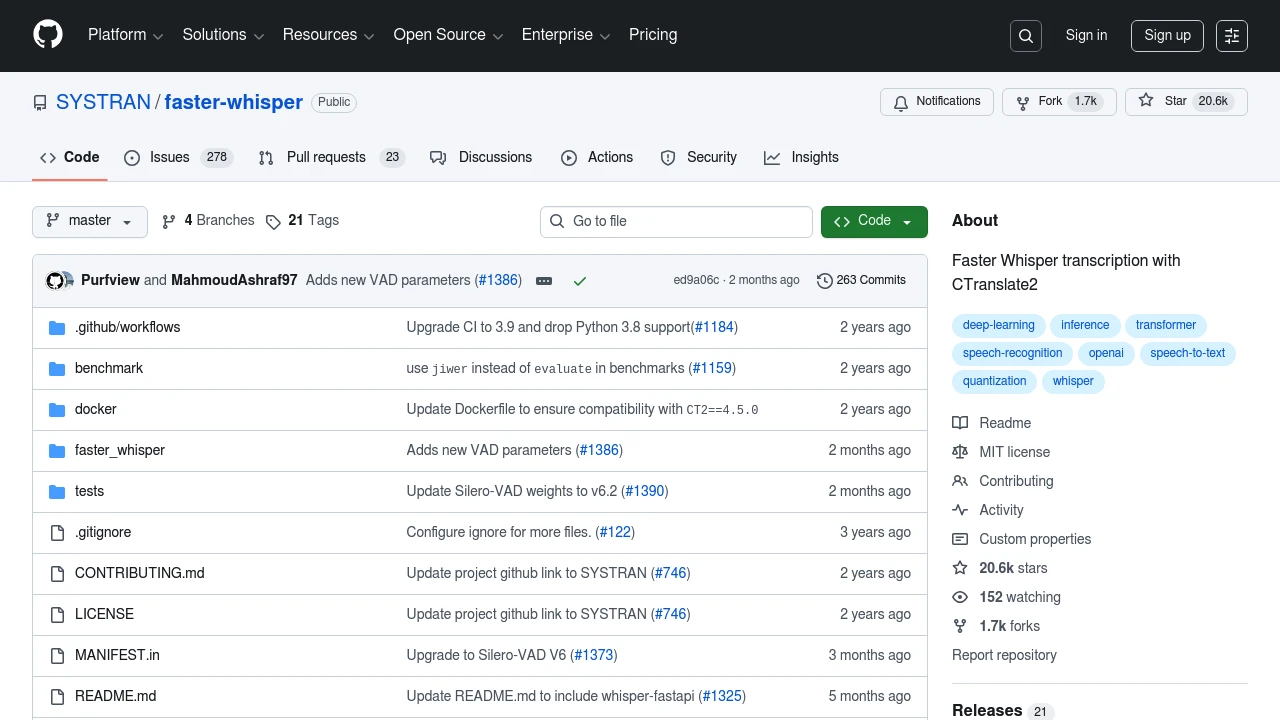
faster-whisper
Benefits:
- 4x faster than original
- Lower memory usage
- Identical accuracy
- CPU and GPU support
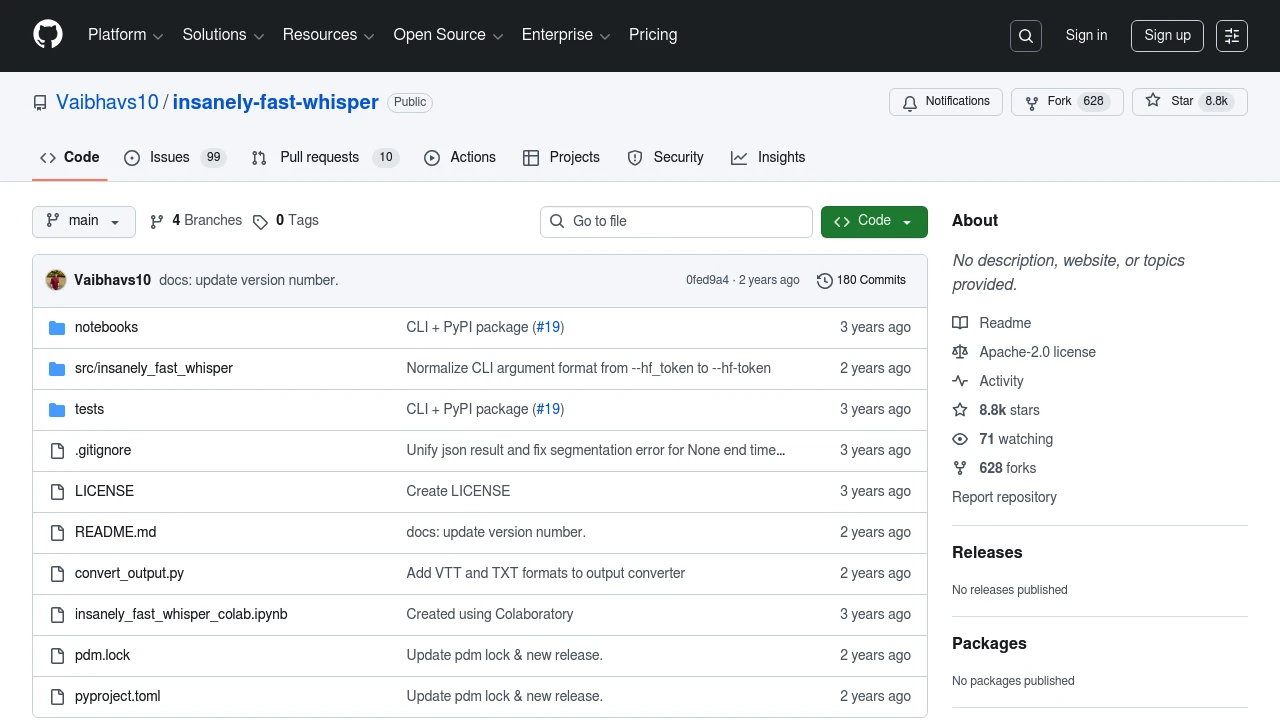
Insanely Fast Whisper
Best for: Processing large amounts of audio quickly
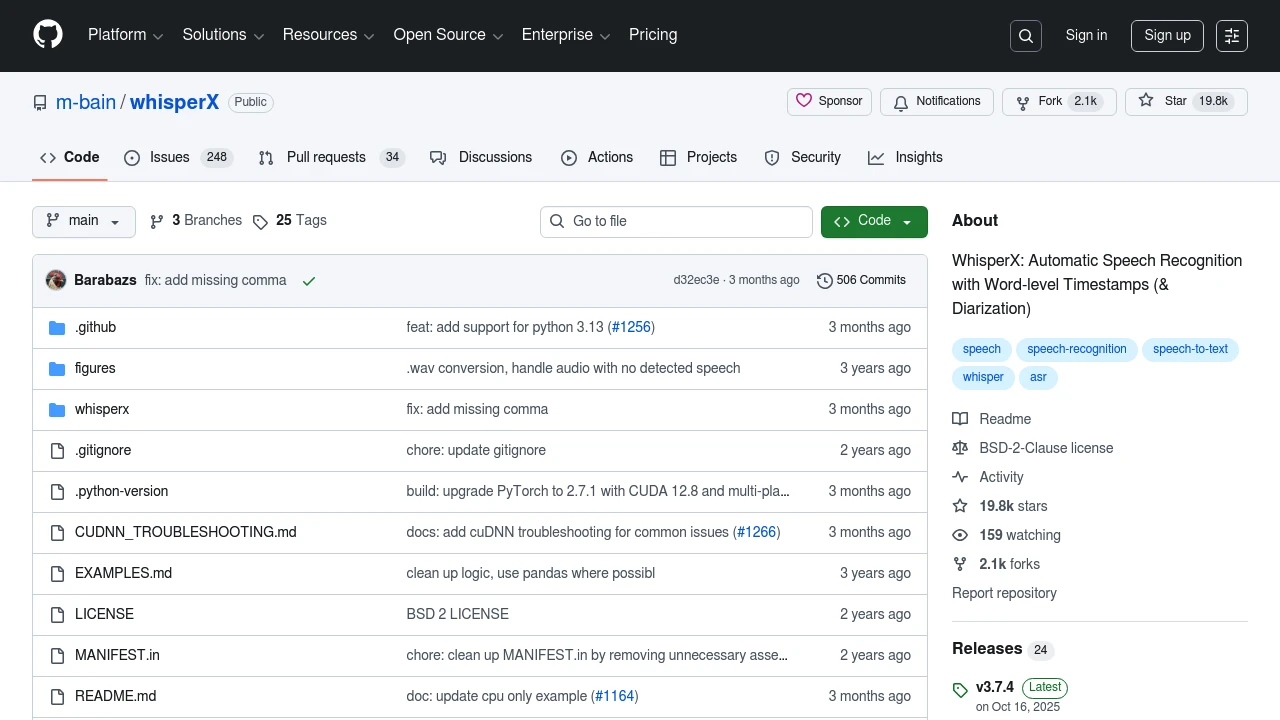
WhisperX
Key Features:
- Word-level timestamps
- Speaker identification
- Voice Activity Detection
- Alignment with audio
Getting Started
Installation
pip install faster-whisper
Basic Usage
from faster_whisper import WhisperModel

model = WhisperModel("medium", device="cuda")

segments, info = model.transcribe("audio.mp3")

for segment in segments:
    print(f"[{segment.start:.2f}s -> {segment.end:.2f}s] {segment.text}")
With Speaker Diarization
pip install whisperx
import whisperx

model = whisperx.load_model("large-v3", device="cuda")
audio = whisperx.load_audio("meeting.mp3")
result = model.transcribe(audio)

# Add speaker labels
diarize_model = whisperx.DiarizationPipeline()
diarize_segments = diarize_model(audio)
result = whisperx.assign_word_speakers(diarize_segments, result)
Use Cases
Podcast Transcription
Convert podcast episodes to searchable text for show notes and SEO.
Meeting Notes
Transcribe and summarize meetings with speaker identification.
Subtitle Generation
Create accurate subtitles for videos with proper timing.
Voice Notes
Convert voice memos to organized text documents.
Accessibility
Make audio content accessible to deaf and hard-of-hearing users.
Text-to-Speech: The Other Direction
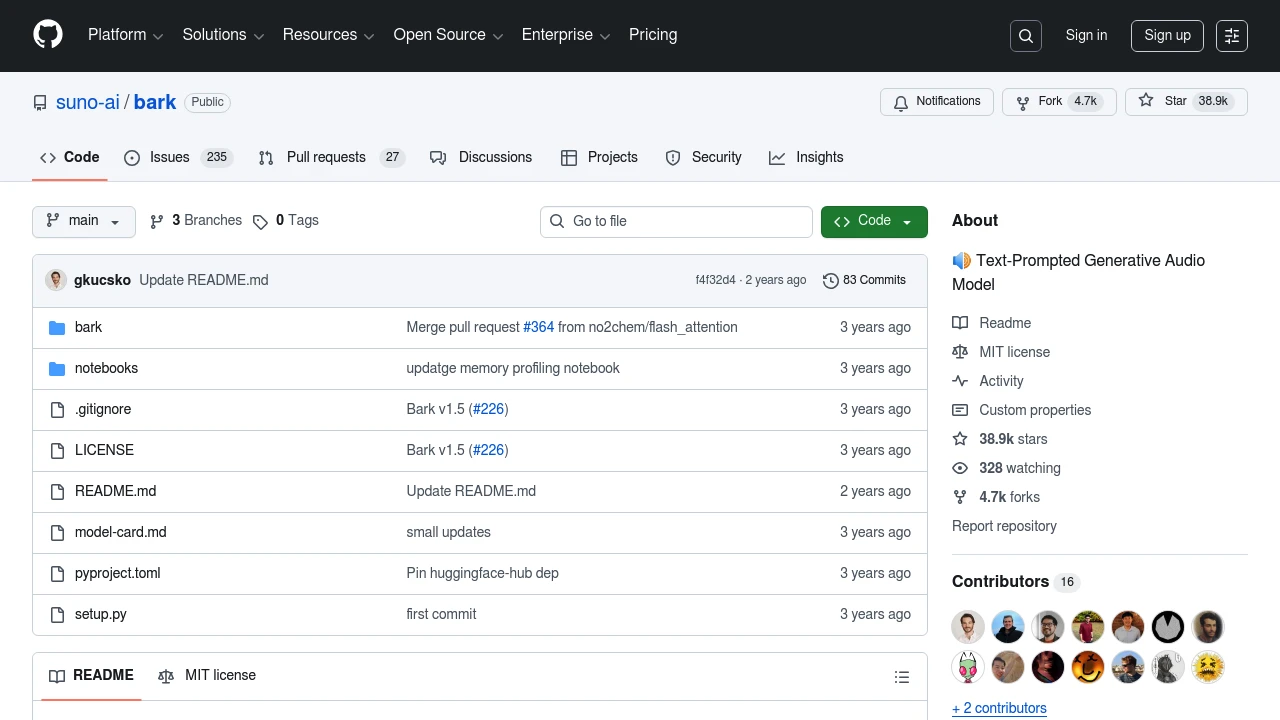
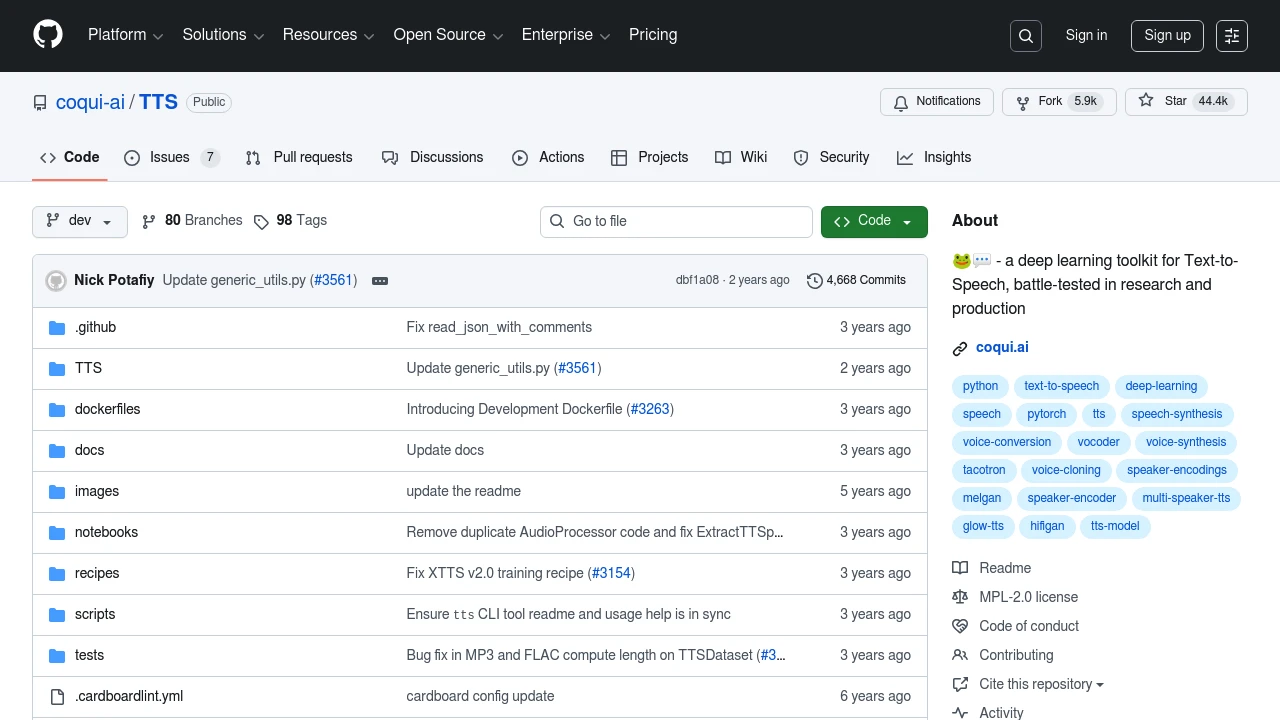
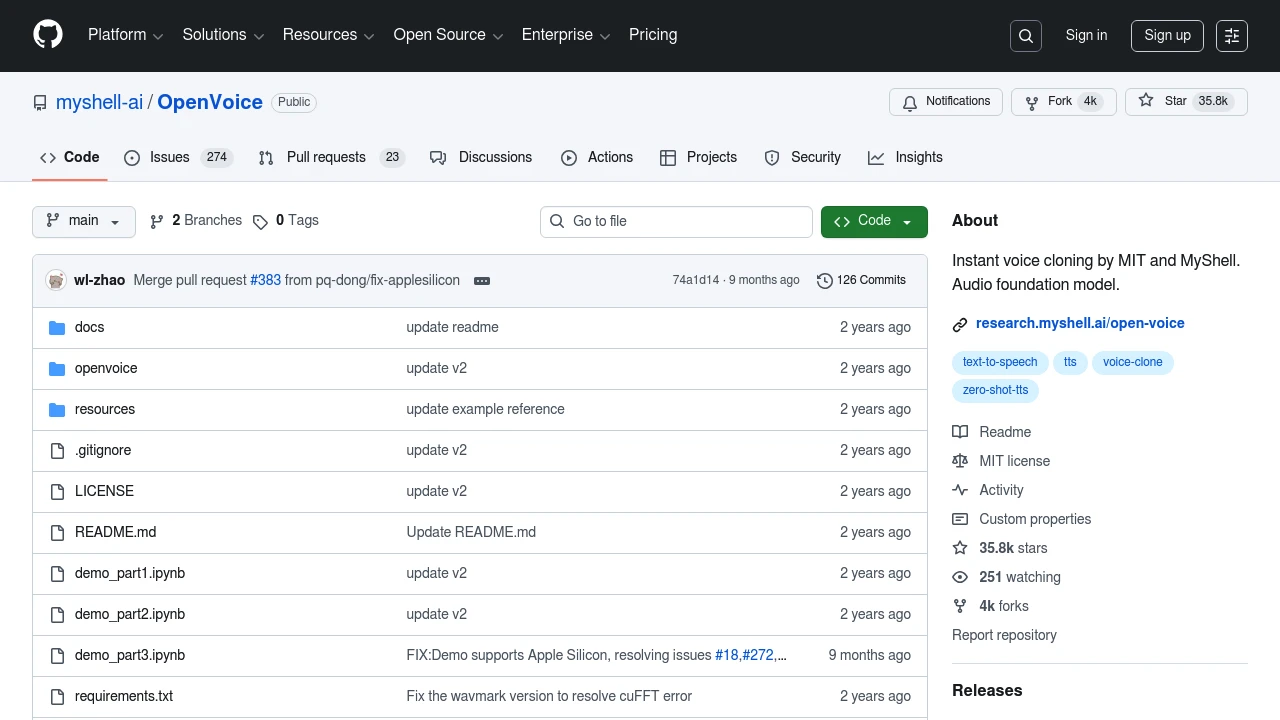
While Whisper handles speech-to-text, several tools handle the reverse:
Bark
Coqui TTS
OpenVoice
Performance Optimization
GPU Acceleration
Always use CUDA when available for 10-20x speedup.
Batch Processing
Process multiple files in parallel for better throughput.
Model Selection
Start with small for testing, move to large-v3 for production.
Quantization
Use INT8 models for faster inference with minimal quality loss.
Building a Transcription Pipeline
A production-ready pipeline:
Audio Input
    ↓
Voice Activity Detection (skip silence)
    ↓
Chunking (split long audio)
    ↓
Parallel Transcription
    ↓
Speaker Diarization
    ↓
Post-processing (punctuation, formatting)
    ↓
Output (SRT, VTT, JSON, etc.)
Comparing with Commercial Services
| Feature | Whisper (Local) | Commercial APIs |
|---|---|---|
| Cost | Free | Per minute |
| Privacy | Complete | Data sent externally |
| Speed | Depends on hardware | Fast |
| Accuracy | Excellent | Excellent |
| Languages | 100+ | Varies |
| Offline | Yes | No |
Integration Ideas
- Note-taking apps: Transcribe voice memos automatically
- Video editors: Generate subtitles in the timeline
- Chatbots: Enable voice input for AI assistants
- Accessibility tools: Real-time captioning
- Content platforms: Auto-generate transcripts
Conclusion
Whisper and its ecosystem have made professional-grade speech recognition available to everyone. Whether you need simple transcription or complex speaker-aware processing, open source tools now match or exceed commercial offerings.
Explore our Audio & Speech category to discover more tools for working with voice and audio.