Best Open Source LLM Tools in 2026: Run AI Models Locally
Discover the top open source tools to run large language models locally on your machine. From Ollama to vLLM, explore the best options for self-hosted AI.

Written by Alexandre Le Corre
•2 min read
Running large language models locally has become increasingly accessible thanks to a vibrant open source ecosystem. Whether you're a developer looking to integrate AI into your applications or an enthusiast wanting to experiment with cutting-edge models, there's never been a better time to explore self-hosted LLM solutions.
Why Run LLMs Locally?
Before diving into the tools, let's understand why running LLMs locally matters:
- Privacy: Your data never leaves your machine
- Cost: No API fees after initial setup
- Customization: Fine-tune models for your specific needs
- Offline Access: Work without internet connectivity
- Speed: Eliminate network latency for faster responses
Top Open Source LLM Tools
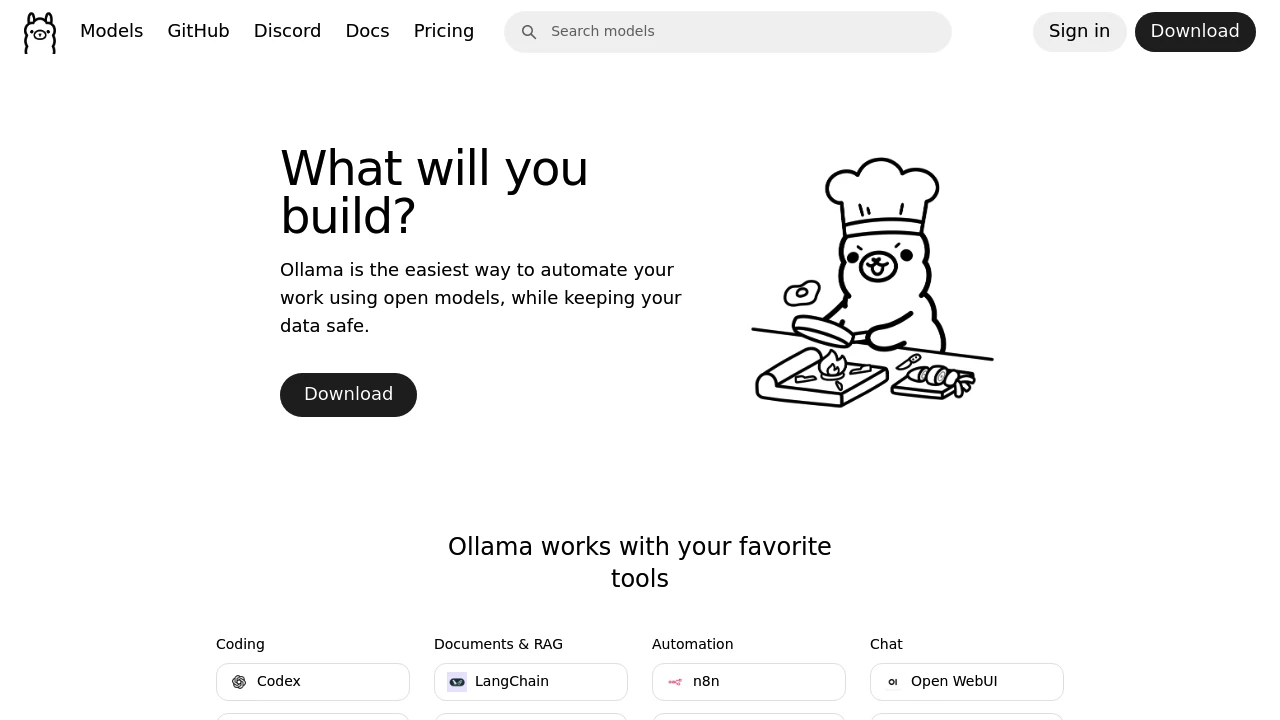
1. Ollama

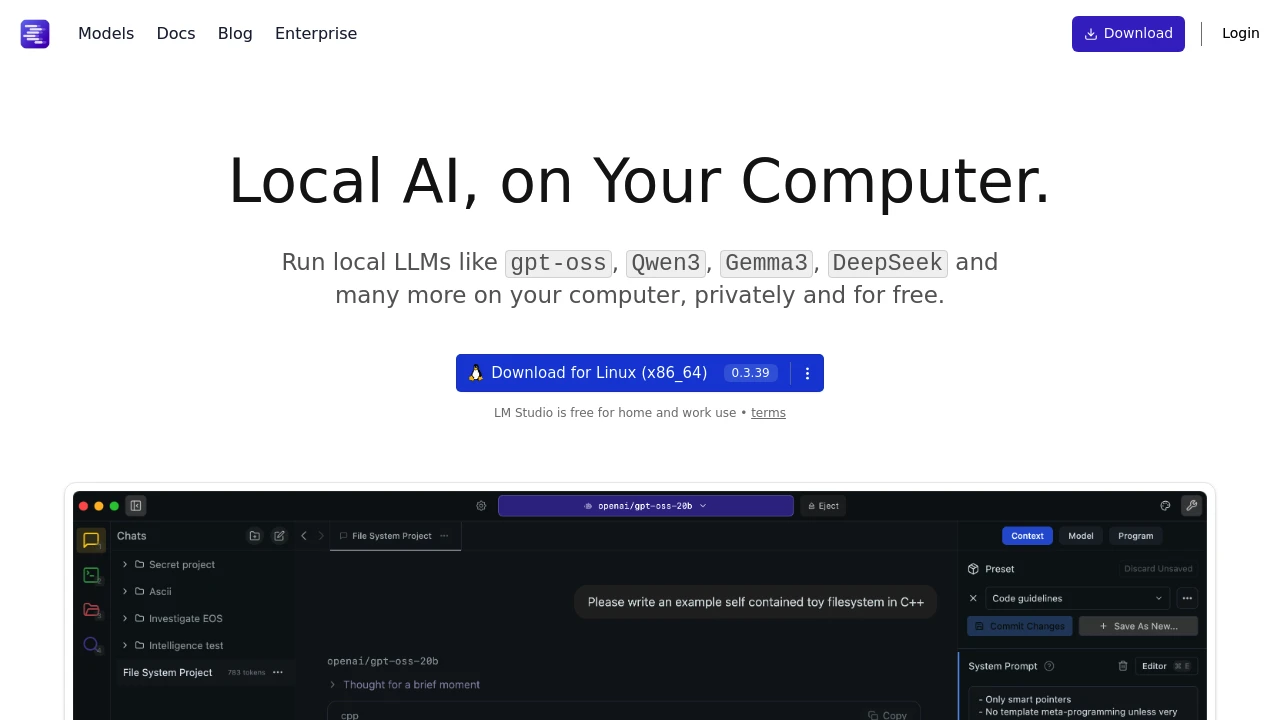
2. LM Studio
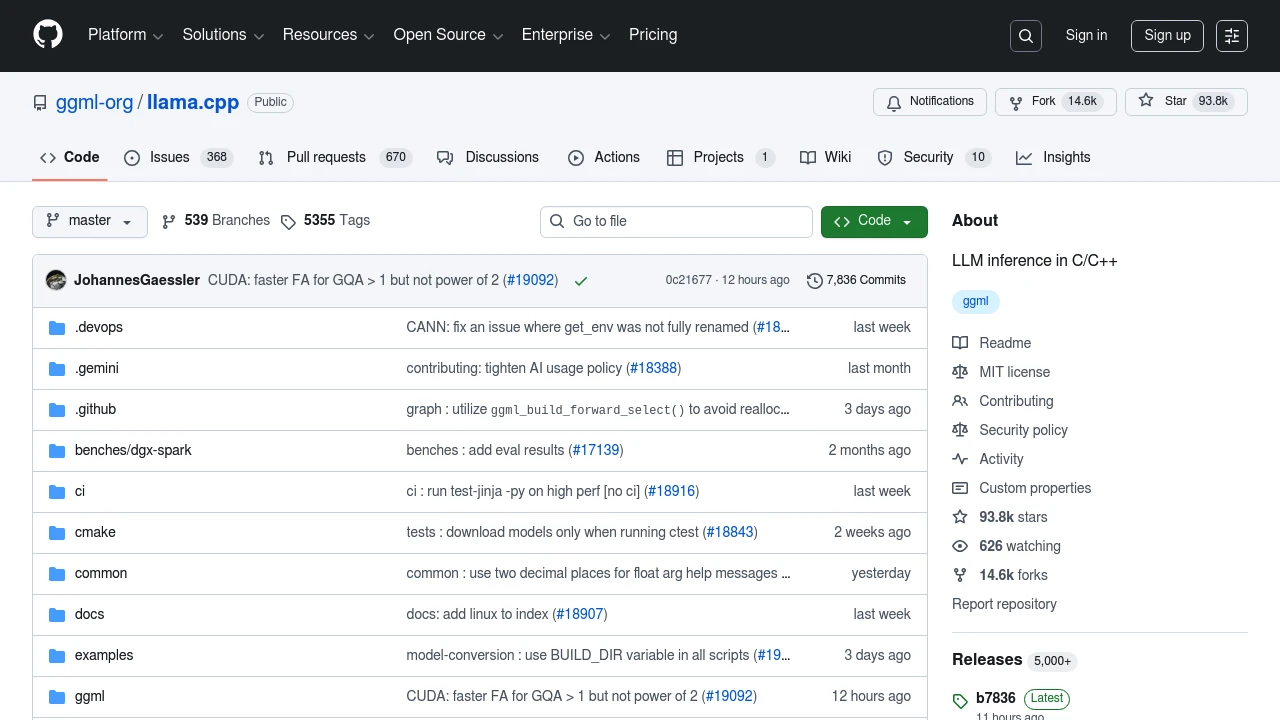
3. llama.cpp
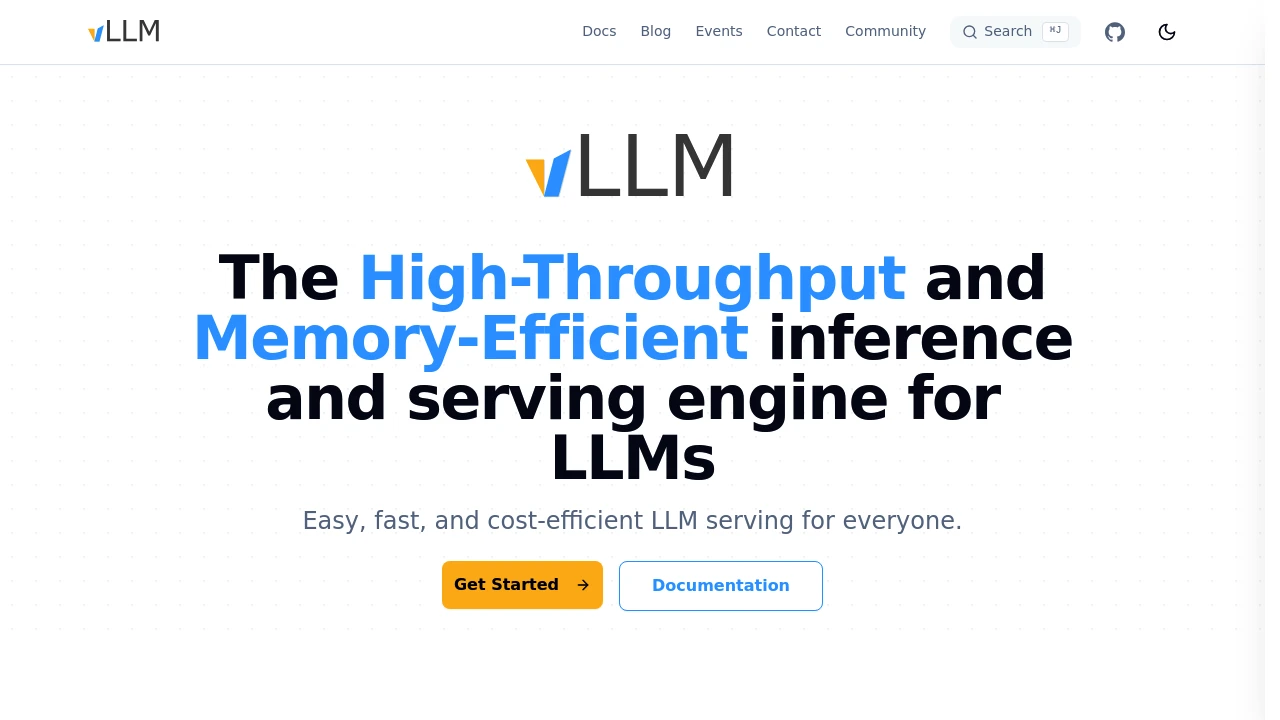
4. vLLM
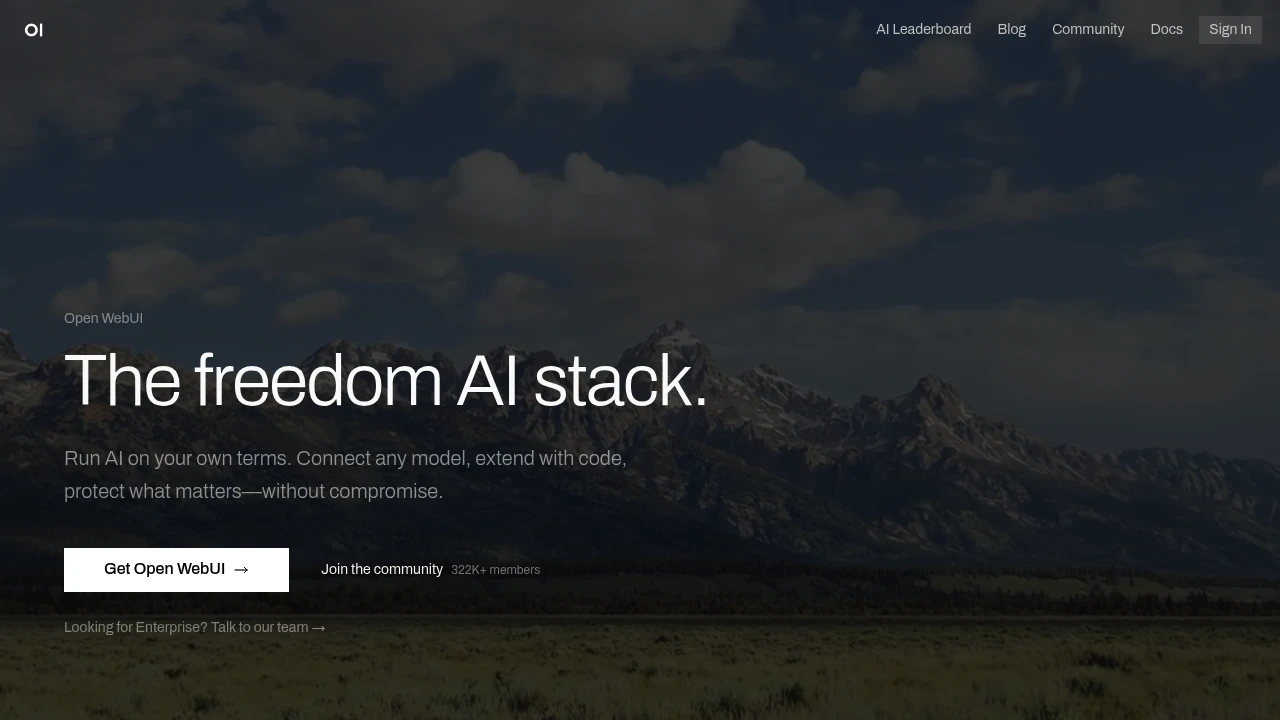
5. Open WebUI
Choosing the Right Tool
Your choice depends on your use case:
| Use Case | Recommended Tool |
|---|---|
| Getting started quickly | Ollama |
| Visual interface preferred | LM Studio |
| Maximum performance | llama.cpp |
| Production deployment | vLLM |
| ChatGPT-like experience | Open WebUI |
Hardware Considerations
Running LLMs locally requires adequate hardware:
- RAM: 16GB minimum, 32GB+ recommended
- GPU: NVIDIA RTX 3060+ or Apple M1+ for acceleration
- Storage: Models range from 4GB to 100GB+
Quantized models (GGUF format) allow running larger models on consumer hardware with minimal quality loss.
Getting Started
The fastest path to running your first local LLM:
- Install Ollama from ollama.com
- Run
ollama pull llama3.2in your terminal - Start chatting with
ollama run llama3.2
That's it – you're now running a state-of-the-art language model entirely on your own hardware.
Conclusion
The open source LLM ecosystem has matured significantly, making local AI accessible to everyone. Whether you choose Ollama for simplicity or vLLM for scale, these tools empower you to harness the power of AI while maintaining complete control over your data and infrastructure.
Explore our directory to discover more open source AI tools and find the perfect solution for your needs.