Vector Databases Explained: The Foundation of Modern AI Applications
Learn how vector databases power AI applications like semantic search and RAG. Compare Qdrant, Milvus, Weaviate, and Chroma to find the best fit for your project.

Written by Alexandre Le Corre
•3 min read
Vector databases have become essential infrastructure for AI applications. From powering semantic search to enabling Retrieval-Augmented Generation (RAG), these specialized databases are transforming how we build intelligent systems.
What Are Vector Databases?
Traditional databases store and query structured data using exact matches. Vector databases, however, store high-dimensional vectors (embeddings) and find similar items based on mathematical distance calculations.
When you convert text, images, or other data into embeddings using AI models, vector databases let you:
- Find semantically similar content
- Build recommendation systems
- Power conversational AI with relevant context
- Create intelligent search experiences
How Embeddings Work
Embeddings are numerical representations of data that capture semantic meaning:
"The cat sat on the mat" → [0.23, -0.45, 0.12, ..., 0.78]
"A feline rested on the rug" → [0.21, -0.43, 0.14, ..., 0.76]
Despite different words, these sentences have similar embeddings because they convey similar meaning. Vector databases excel at finding these similarities quickly, even across millions of vectors.
Top Open Source Vector Databases
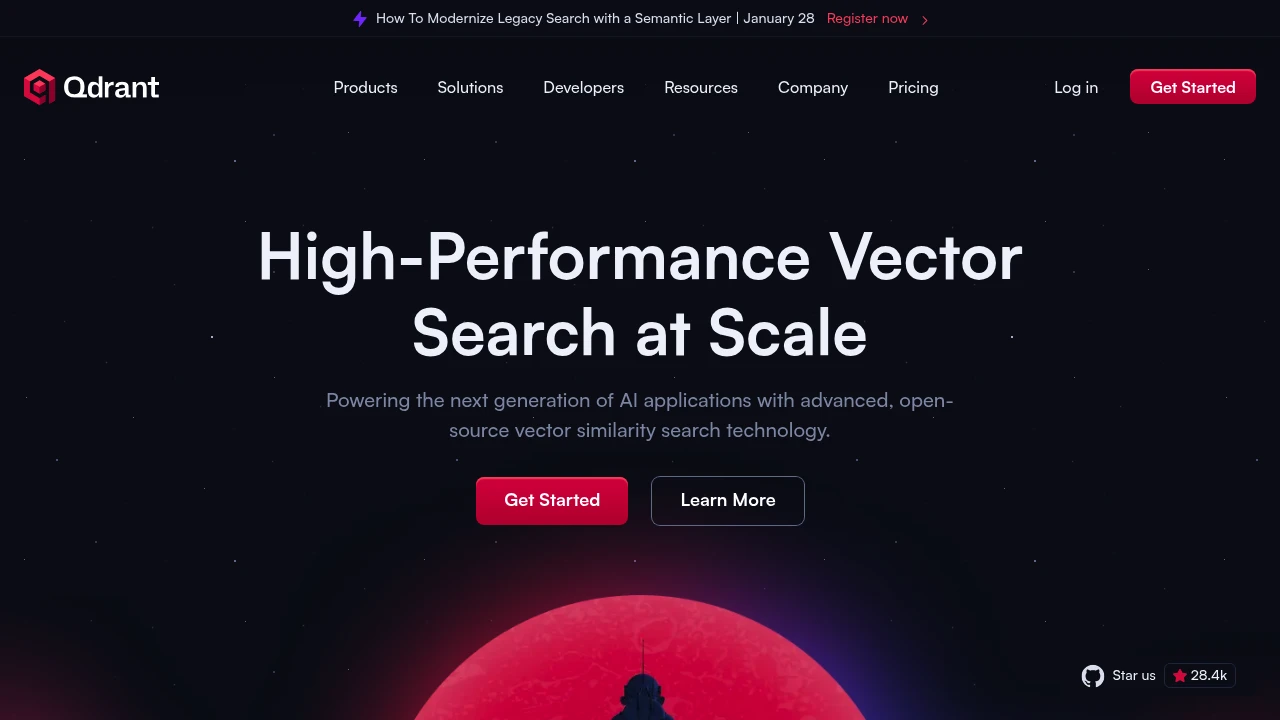
Qdrant

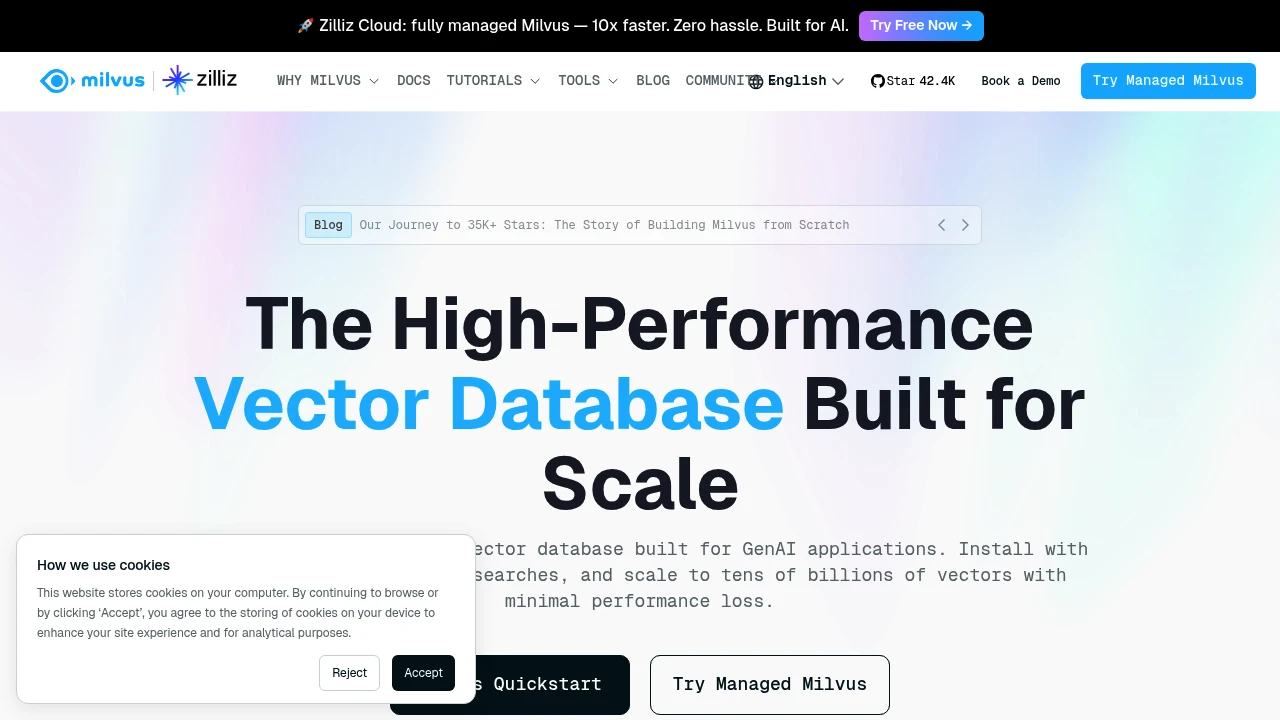
Milvus
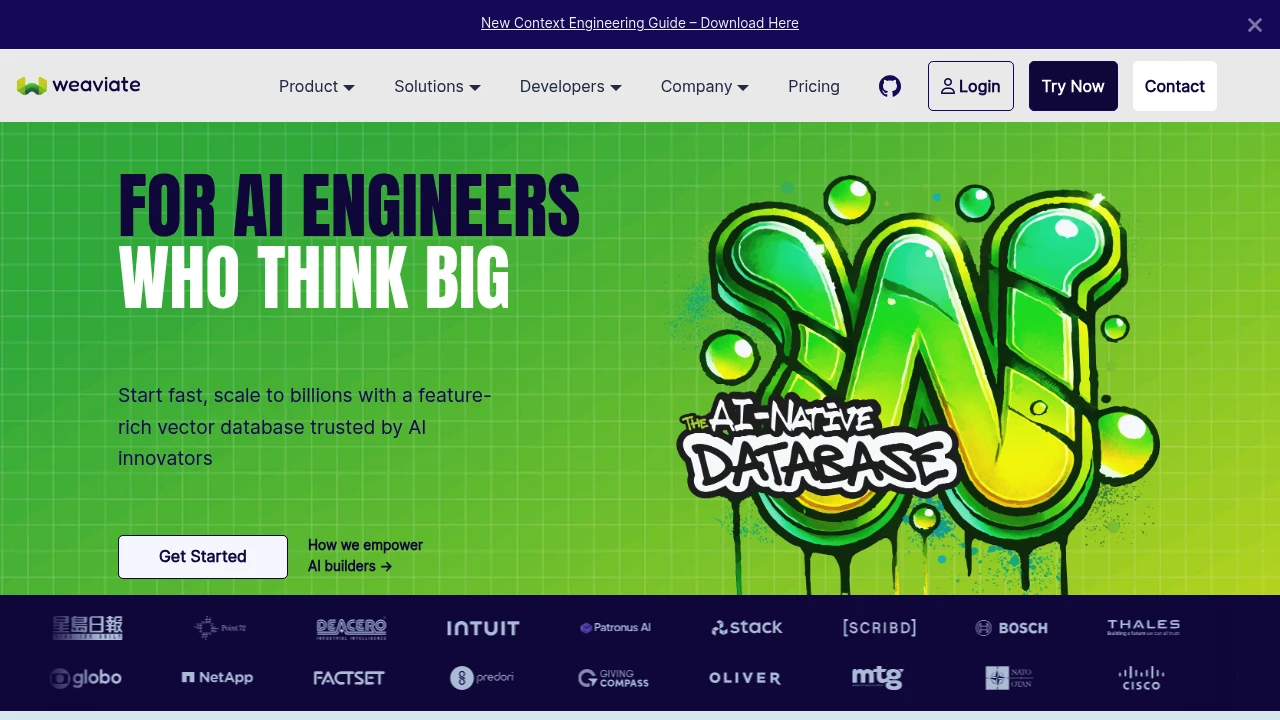
Weaviate
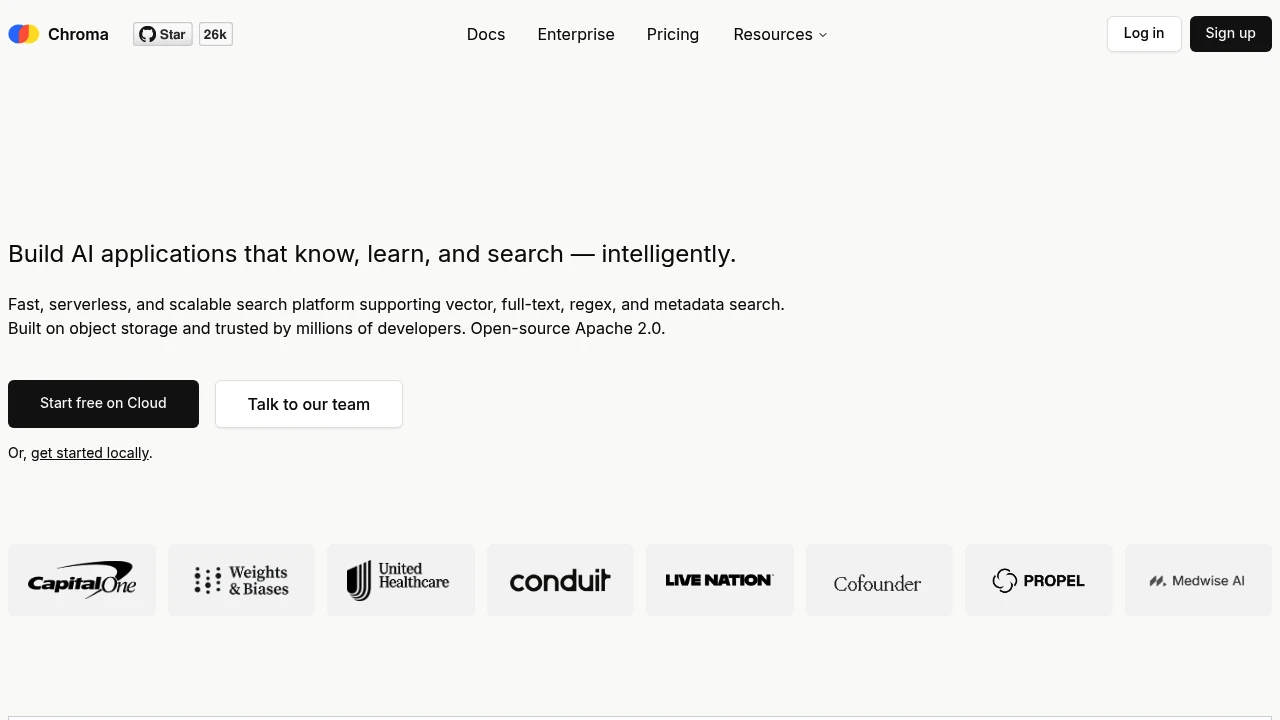
Chroma
Comparison Table
| Feature | Qdrant | Milvus | Weaviate | Chroma |
|---|---|---|---|---|
| Language | Rust | Go/C++ | Go | Python |
| Scalability | High | Very High | High | Medium |
| Ease of Use | High | Medium | High | Very High |
| Best For | Production | Enterprise | Hybrid Search | Prototyping |
Building a RAG System
Here's how vector databases fit into a RAG architecture:
- Ingestion: Split documents into chunks
- Embedding: Convert chunks to vectors using models like OpenAI or Sentence Transformers
- Storage: Store vectors in your database
- Query: Convert user question to vector
- Retrieval: Find similar document chunks
- Generation: Send context + question to LLM
Choosing the Right Database
Consider these factors:
Start with Chroma if:
- You're prototyping or learning
- Your dataset is under 1 million vectors
- You want minimal setup
Choose Qdrant if:
- You need production-ready performance
- You want excellent filtering capabilities
- Rust performance matters to you
Pick Milvus if:
- You're handling billions of vectors
- You need distributed deployment
- Enterprise features are required
Select Weaviate if:
- You want built-in ML model support
- Hybrid search (vector + keyword) is important
- GraphQL API appeals to you
Self-Hosting Considerations
All these databases can be self-hosted with Docker:
# Qdrant
docker run -p 6333:6333 qdrant/qdrant

# Chroma
docker run -p 8000:8000 chromadb/chroma

# Weaviate
docker run -p 8080:8080 semitechnologies/weaviate
Conclusion
Vector databases are no longer optional for AI applications – they're foundational. Whether you're building a chatbot that remembers context, a search engine that understands intent, or a recommendation system that truly gets your users, mastering vector databases is essential.
Explore our vector database category to discover more tools and find the perfect solution for your AI project.