MLOps Tools for AI Deployment: From Training to Production
Discover the best open source MLOps tools for deploying and managing AI models. Learn about MLflow, vLLM, Triton, and production-ready inference solutions.

Written by Alexandre Le Corre
•4 min read
Building AI models is only half the battle – deploying and managing them in production is where the real challenges begin. The MLOps ecosystem has matured significantly, offering robust open source tools for every stage of the deployment lifecycle.
What is MLOps?
MLOps (Machine Learning Operations) brings DevOps practices to machine learning:
- Version Control: Track models, data, and experiments
- CI/CD: Automate testing and deployment
- Monitoring: Track model performance in production
- Scaling: Handle varying inference loads
- Governance: Ensure compliance and reproducibility
The ML Lifecycle
┌──────────────────────────────────────────────────┐
│              ML Lifecycle                        │
├──────────────────────────────────────────────────┤
│  Development                                     │
│  ├── Experiment tracking                         │
│  ├── Model training                              │
│  └── Evaluation                                  │
├──────────────────────────────────────────────────┤
│  Deployment                                      │
│  ├── Model packaging                             │
│  ├── Serving infrastructure                      │
│  └── API endpoints                               │
├──────────────────────────────────────────────────┤
│  Operations                                      │
│  ├── Monitoring                                  │
│  ├── Scaling                                     │
│  └── Updates                                     │
└──────────────────────────────────────────────────┘
Experiment Tracking
MLflow

Key Features:
- Experiment tracking
- Model registry
- Deployment tools
- Project packaging
Weights & Biases
Key Features:
- Rich visualizations
- Team collaboration
- Hyperparameter sweeps
- Report generation
Data Version Control
DVC
Key Features:
- Data versioning
- Pipeline tracking
- Remote storage
- Git integration
Model Serving
vLLM
Performance:
- 24x higher throughput than naive serving
- Efficient memory management
- OpenAI-compatible API
Triton Inference Server
Key Features:
- Multi-framework support
- Dynamic batching
- Model ensembles
- GPU optimization
LocalAI
Best for: Drop-in OpenAI replacement
BentoML
Key Features:
- Model packaging
- API generation
- Containerization
- Scaling
LLM-Specific Operations
LiteLLM
Use Cases:
- Multi-provider routing
- Cost optimization
- Fallback handling
Axolotl
Unsloth
Distributed Training
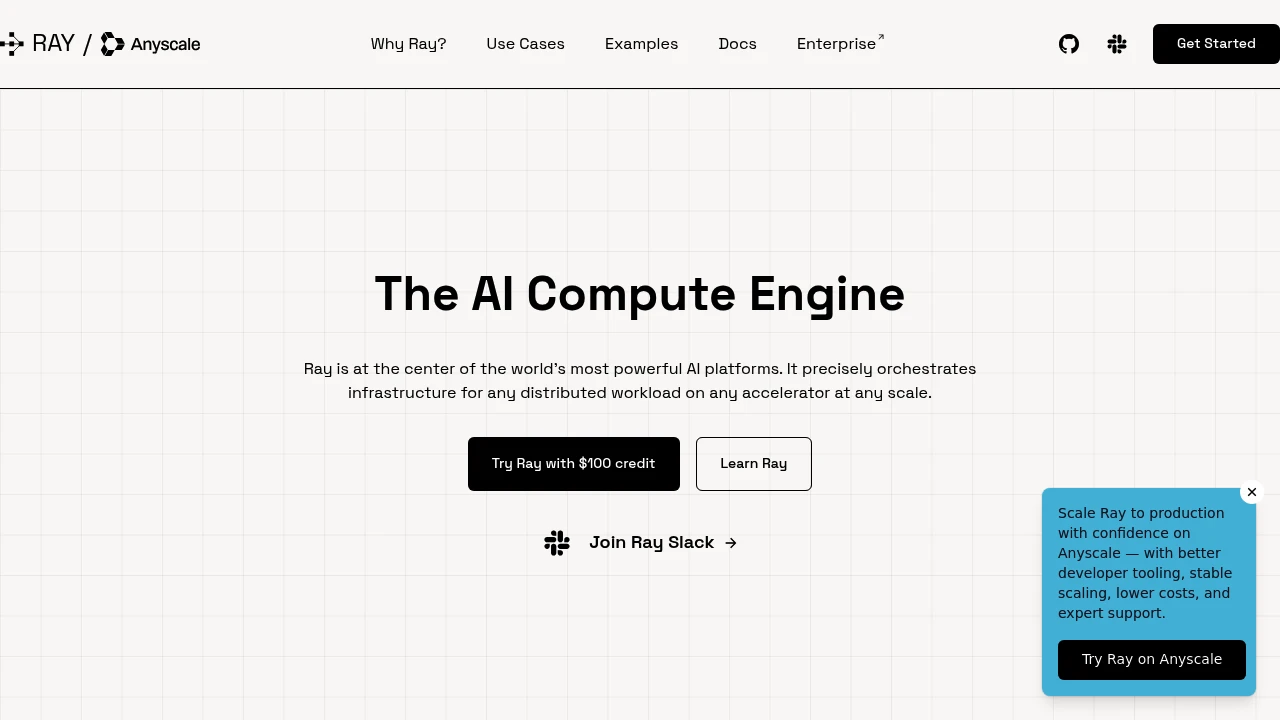
Ray
Components:
- Ray Train: Distributed training
- Ray Serve: Model serving
- Ray Data: Data processing
DeepSpeed
Capabilities:
- Memory optimization
- Pipeline parallelism
- Mixture of Experts
- Inference optimization
Application Platforms
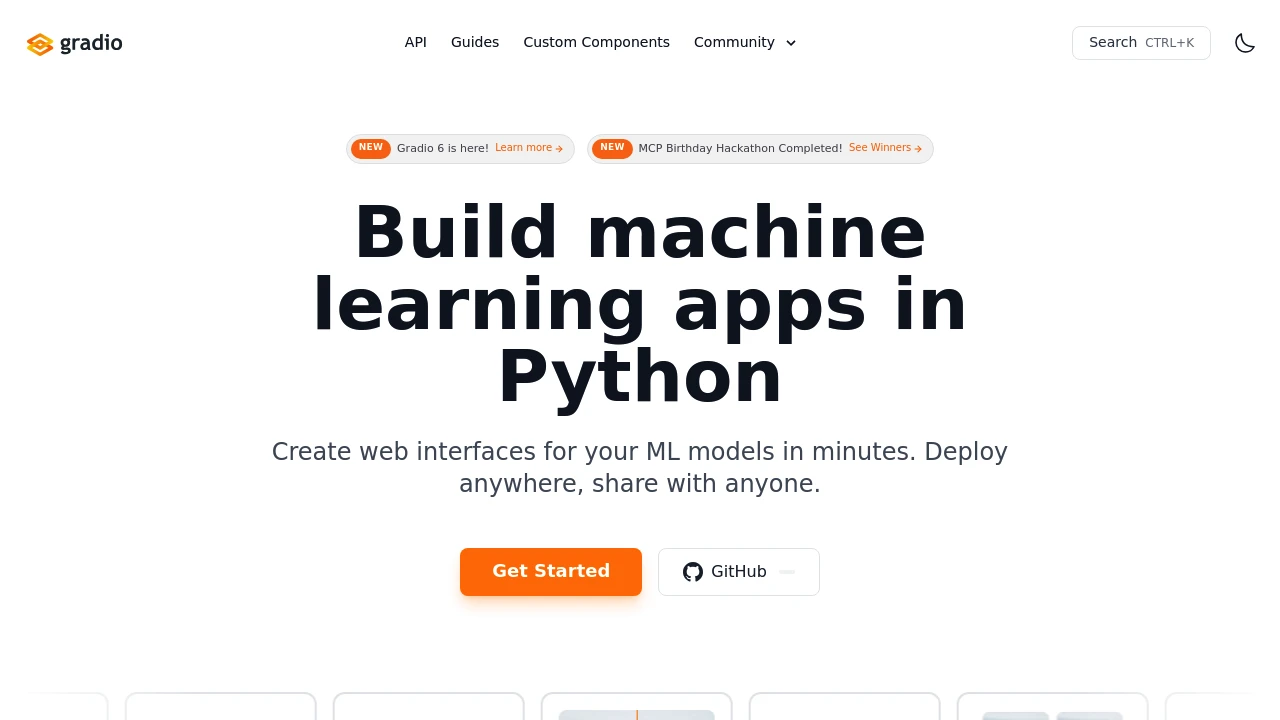
Gradio
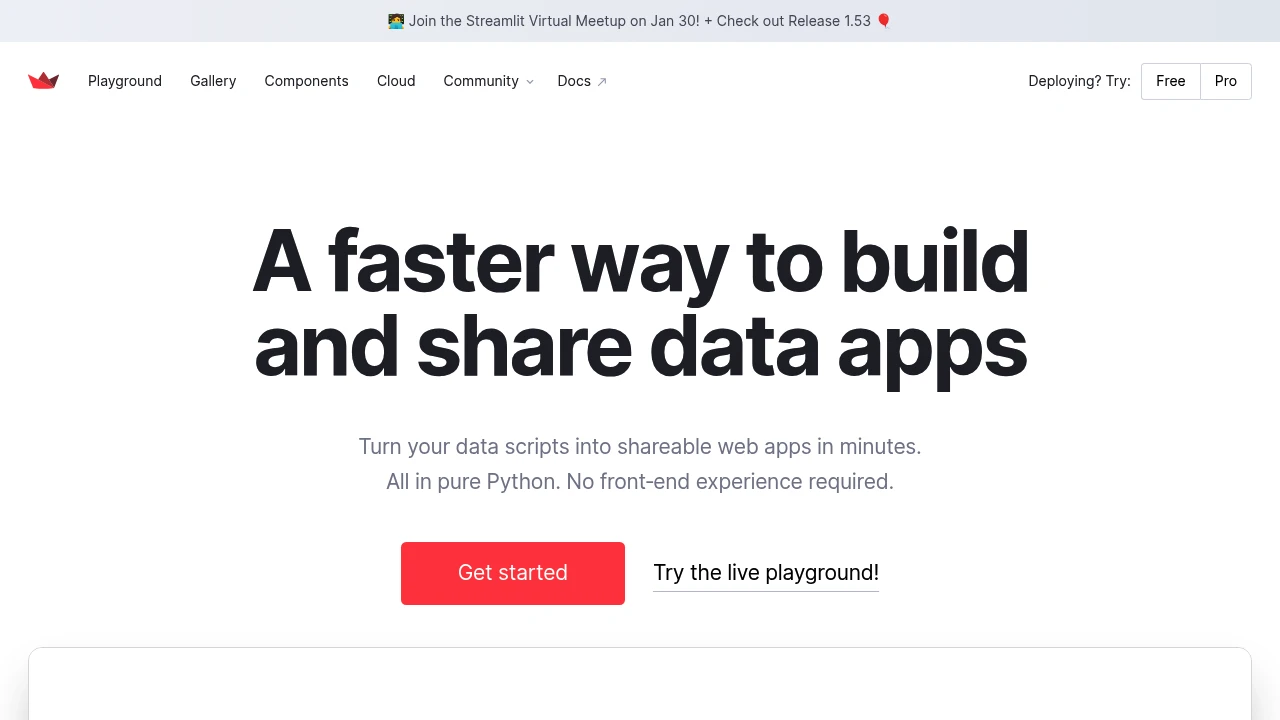
Streamlit
Data Labeling
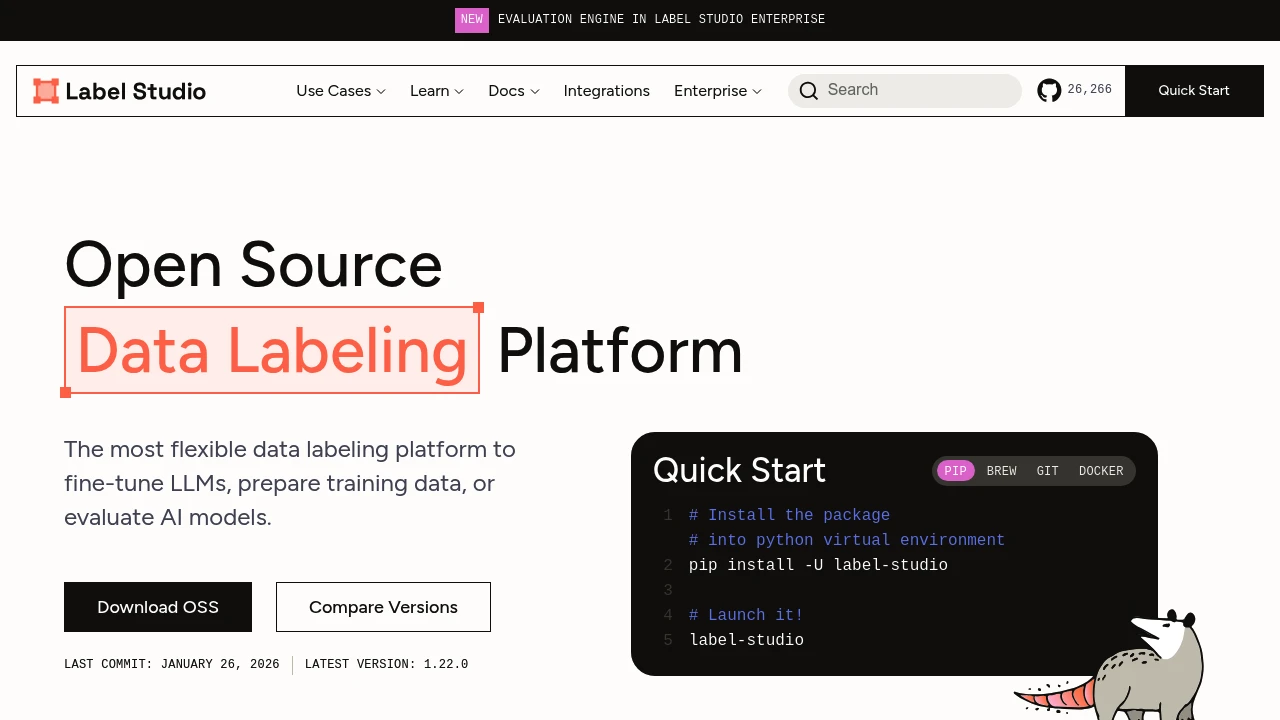
Label Studio
Supported Types:
- Images
- Text
- Audio
- Video
- Time series
Deployment Patterns
Pattern 1: Direct Serving
Simple models served via REST API:
Client → Load Balancer → Model Server → Response
Pattern 2: Queue-Based
Async processing for heavy workloads:
Client → Queue → Workers → Results Store → Client
Pattern 3: Streaming
Real-time token generation:
Client ← SSE/WebSocket ← Model Server
Pattern 4: Batch
Periodic processing of accumulated requests:
Data → Scheduler → Batch Job → Results
Best Practices
1. Containerize Everything
Use Docker for consistent environments across development and production.
2. Monitor Proactively
Track latency, throughput, errors, and model-specific metrics.
3. Plan for Rollback
Keep previous model versions deployable at all times.
4. Implement Canary Deployments
Test new models on a subset of traffic before full rollout.
5. Cache Strategically
Cache embeddings, frequent queries, and static computations.
Cost Optimization
- Right-size instances: Match GPU to model requirements
- Spot instances: Use for training and batch inference
- Quantization: Deploy INT8 or INT4 models when possible
- Batching: Maximize GPU utilization with smart batching
- Autoscaling: Scale down during low-traffic periods
Conclusion
MLOps tooling has evolved to handle the unique challenges of AI systems. From experiment tracking with MLflow to high-performance serving with vLLM, open source solutions now cover the entire lifecycle.
Explore our MLOps & Infrastructure category to discover more tools for deploying and managing AI at scale.