Getting Started with Stable Diffusion: A Complete Guide to AI Image Generation
Learn how to generate stunning AI images with Stable Diffusion. Compare ComfyUI, Automatic1111, and Fooocus to find the best interface for your creative needs.

Written by Alexandre Le Corre
•3 min read
Stable Diffusion has democratized AI image generation, allowing anyone with a decent GPU to create stunning artwork. This guide will help you choose the right tools and get started with this revolutionary technology.
What is Stable Diffusion?
Stable Diffusion is an open source text-to-image model that generates images from text descriptions. Unlike closed alternatives, you can:
- Run it locally on your own hardware
- Fine-tune it on custom datasets
- Use it commercially without restrictions
- Modify and distribute the code freely
Choosing Your Interface
Several excellent open source interfaces make Stable Diffusion accessible:
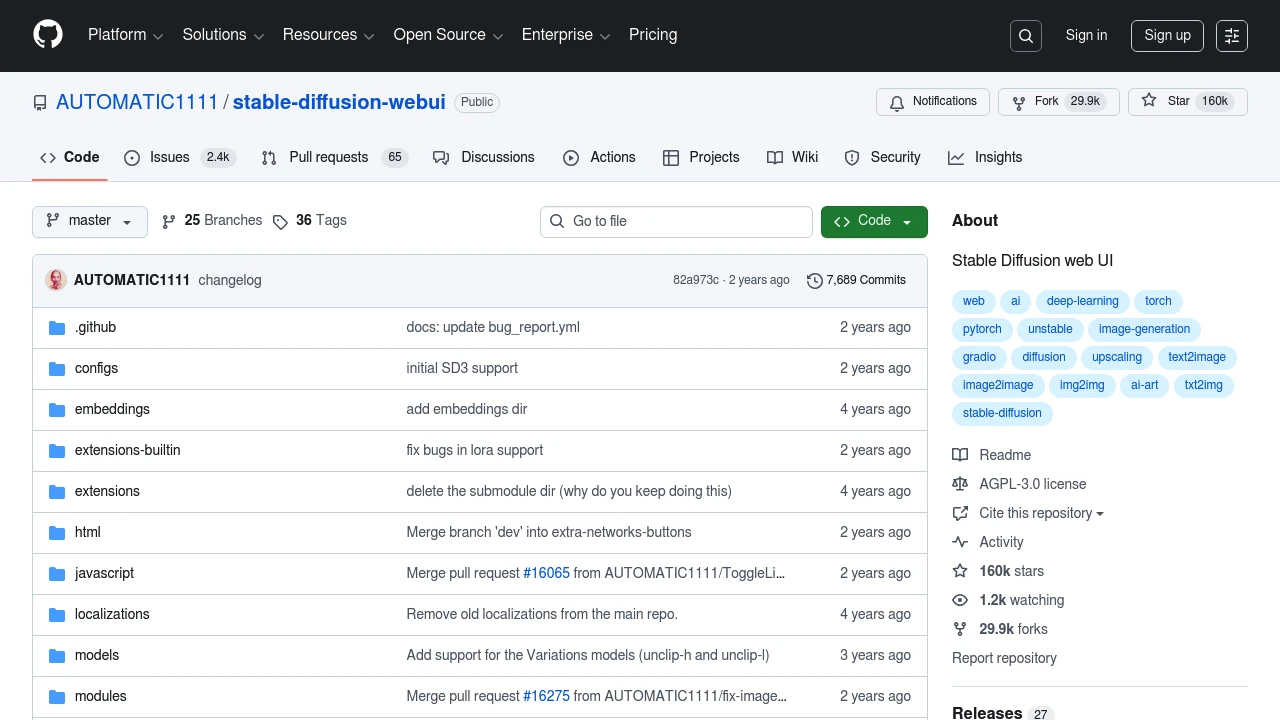
Automatic1111 WebUI

Best for: Power users who want every possible feature
ComfyUI
Best for: Advanced users creating complex workflows
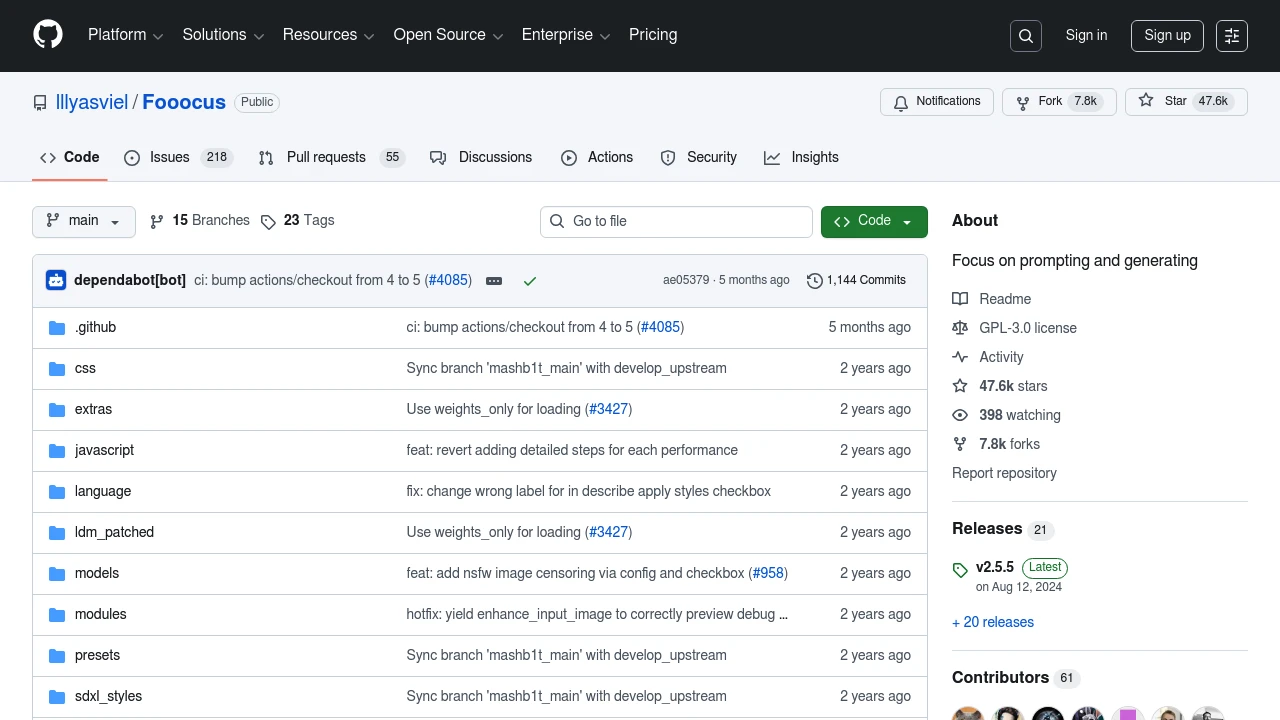
Fooocus
Best for: Beginners who want quick results
InvokeAI
Best for: Artists wanting a professional creative tool
Hardware Requirements
Stable Diffusion runs on consumer hardware:
| GPU VRAM | Capability |
|---|---|
| 4GB | Basic SD 1.5, limited resolution |
| 8GB | Full SD 1.5, basic SDXL |
| 12GB+ | Full SDXL, larger batches |
| 16GB+ | All features, comfortable workflow |
Apple Silicon users: All these tools support MPS acceleration on M1/M2/M3 Macs.
Getting Started with Fooocus
The fastest way to start generating images:
- Clone the repository
- Run the one-click installer
- Wait for model download
- Enter your prompt and click Generate
Within 10 minutes, you'll be creating AI art.
Understanding Models
The Stable Diffusion ecosystem includes various model types:
Base Models
- SD 1.5: Classic, widely supported, fast
- SDXL: Higher quality, more VRAM needed
- FLUX: Newest generation, exceptional quality
Fine-tuned Models
Thousands of community models specialize in:
- Photorealism
- Anime styles
- Artistic renditions
- Specific subjects
Essential Techniques
Prompting
Good prompts include:
- Subject description
- Style keywords
- Quality enhancers
- Negative prompts to avoid unwanted elements
LoRAs
Small model additions that add specific styles or subjects:
- Train your own with Kohya SS
- Download from Civitai
- Stack multiple LoRAs
ControlNet
Add precise control over composition:
- Pose detection
- Depth maps
- Edge detection
- Segmentation
Building a Workflow
A typical creative workflow:
- Generate: Create initial images with Fooocus
- Refine: Use ComfyUI for advanced processing
- Iterate: Combine techniques for final result
Performance Tips
Optimize your generation speed:
- Use FP16 precision for faster inference
- Enable xformers for memory efficiency
- Consider TensorRT for NVIDIA GPUs
- Use quantized models on limited hardware
Conclusion
Stable Diffusion puts professional-grade AI image generation in your hands. Whether you choose the simplicity of Fooocus or the power of ComfyUI, you're joining a creative revolution that's reshaping digital art.
Start exploring our Generative AI category to discover more tools for your creative projects.